

Leadfox Pop-up
Capture visitor information and generate sales on your website.
Leadfox’s pop-up tool offers countless possibilities. Create compelling pop-ups quickly and easily thanks to our many templates, formats, trigger conditions, and animations.
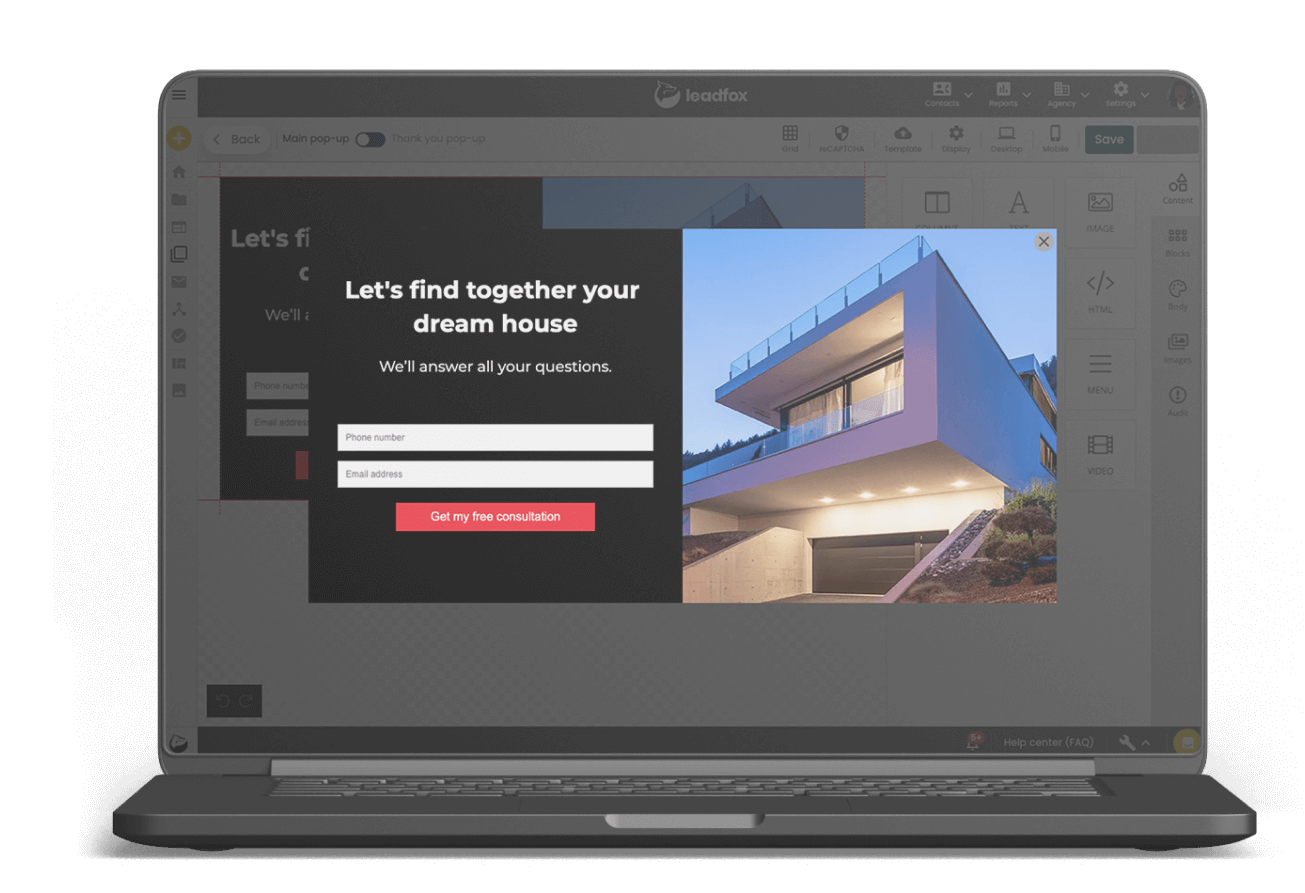


Why add a pop-up to your website?
On average, 95% of visitors to your website will leave without making a purchase or leaving their contact info. Adding a pop-up to your website lets you significantly increase conversions and get the most out of your traffic.
Boost your website’s performance.
Industry average pop-up conversion rate
3.09%
(Sumo, 2019)
Leadfox’s average pop-up conversion rate
6%
(Leadfox)


Mariève
Marketing Manager at Club Tissus
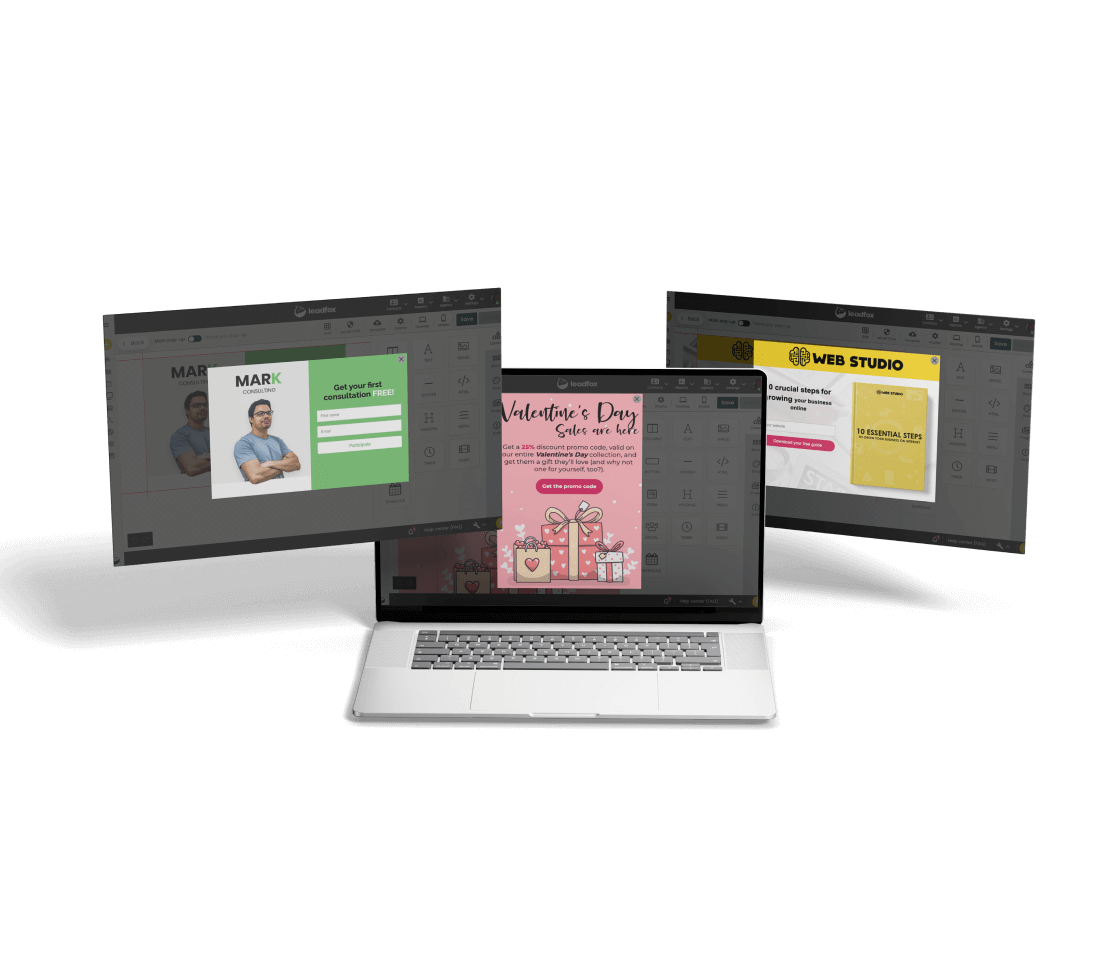
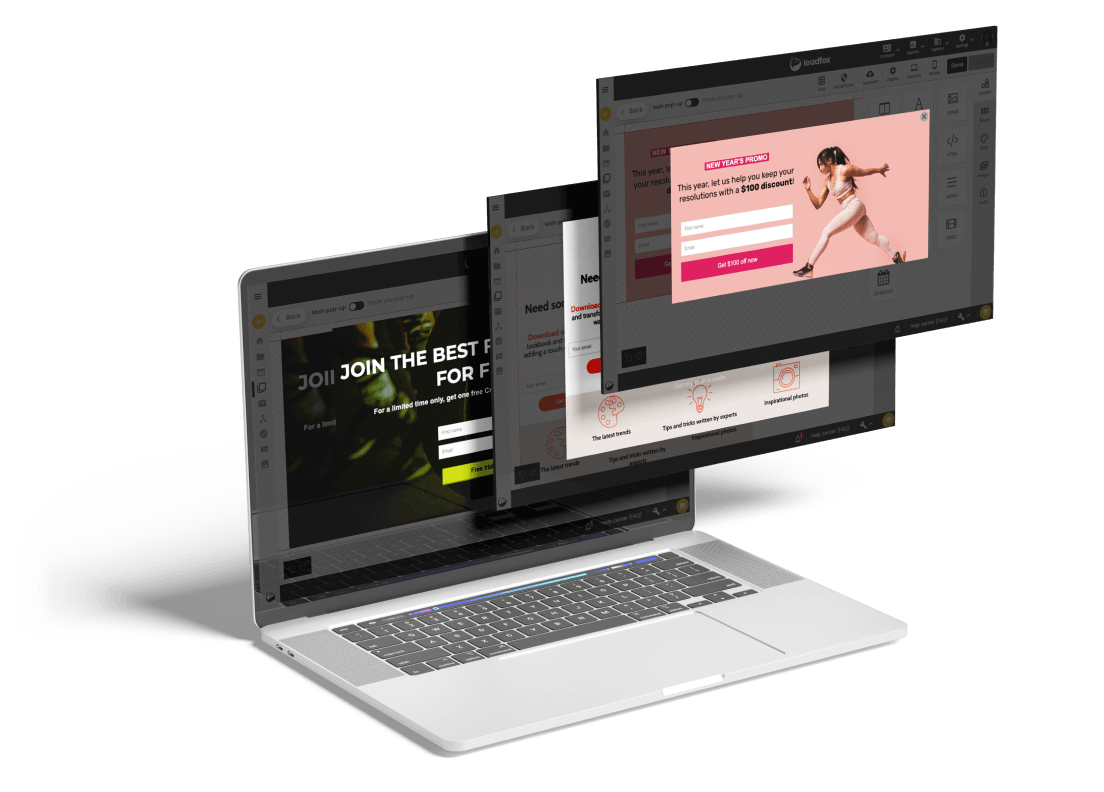
Get started with our fantastic templates, all included

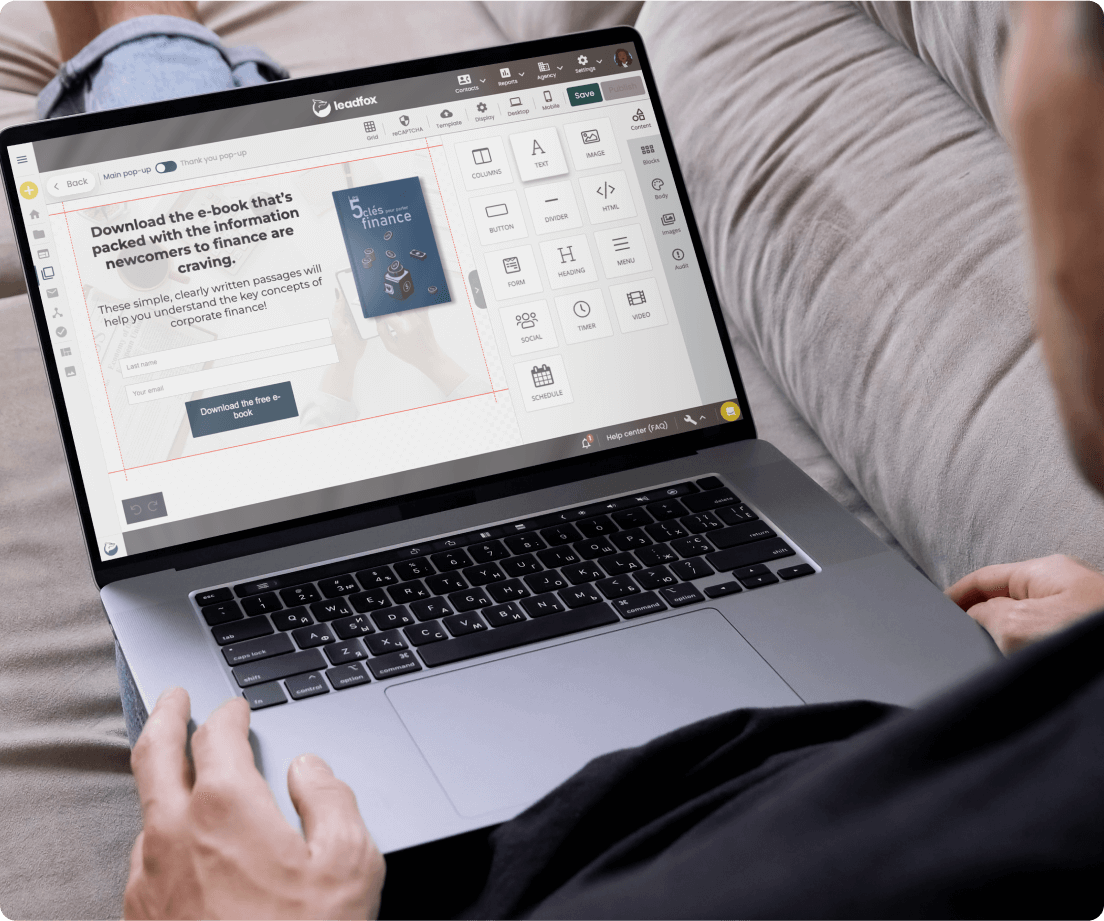
Create your pop-ups quickly and easily
Content blocks are 100% drag and drop. Don’t worry, you don't need any coding skills. Simply drag and drop your text blocks, images, and buttons wherever you like!
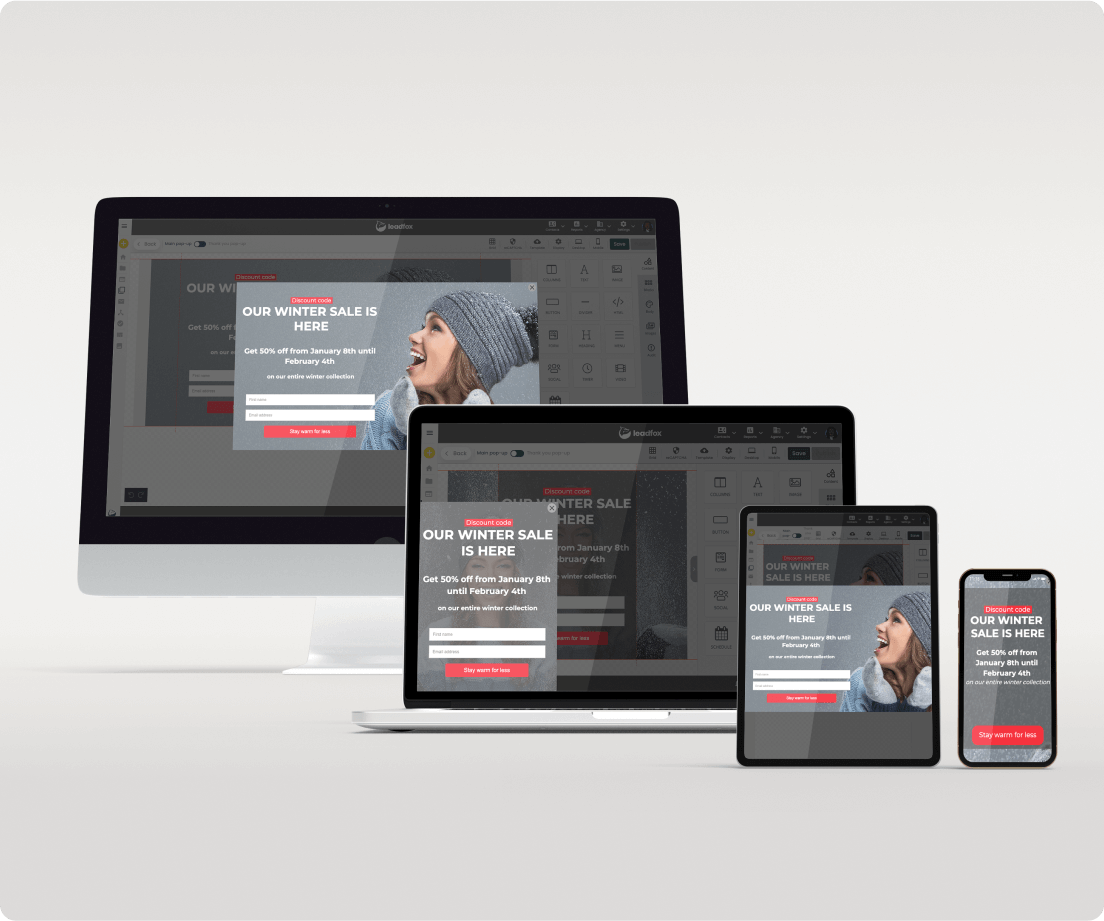
Countless ways to display your pop-up
Get better conversion rates by adapting the display settings and placement of your pop-up:
• Dimensions
• Placement (horizontal or vertical orientation)
• Background opacity
• 43 animations to choose from
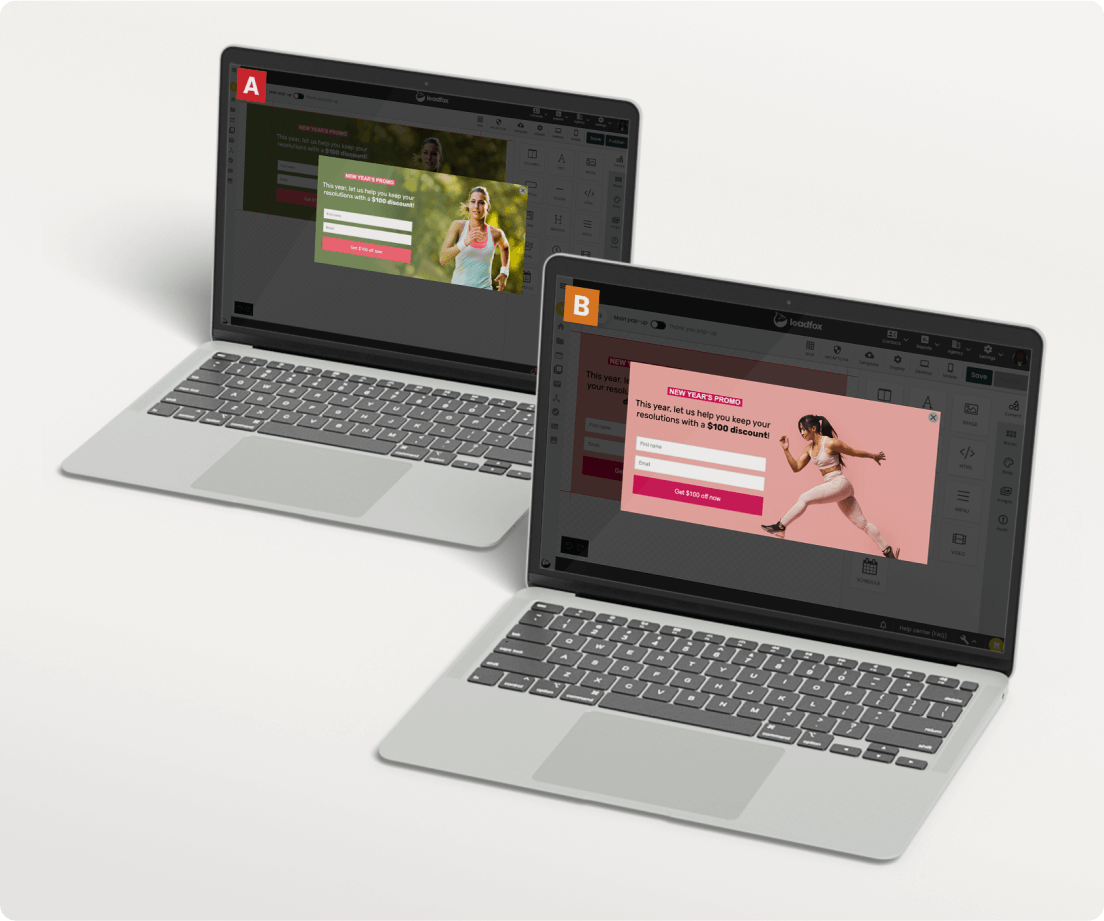
Optimize your results with A/B testing
• Analyze your strategy and automatically increase conversions with A/B testing.
• Review performance in real-time and identify the winning version!
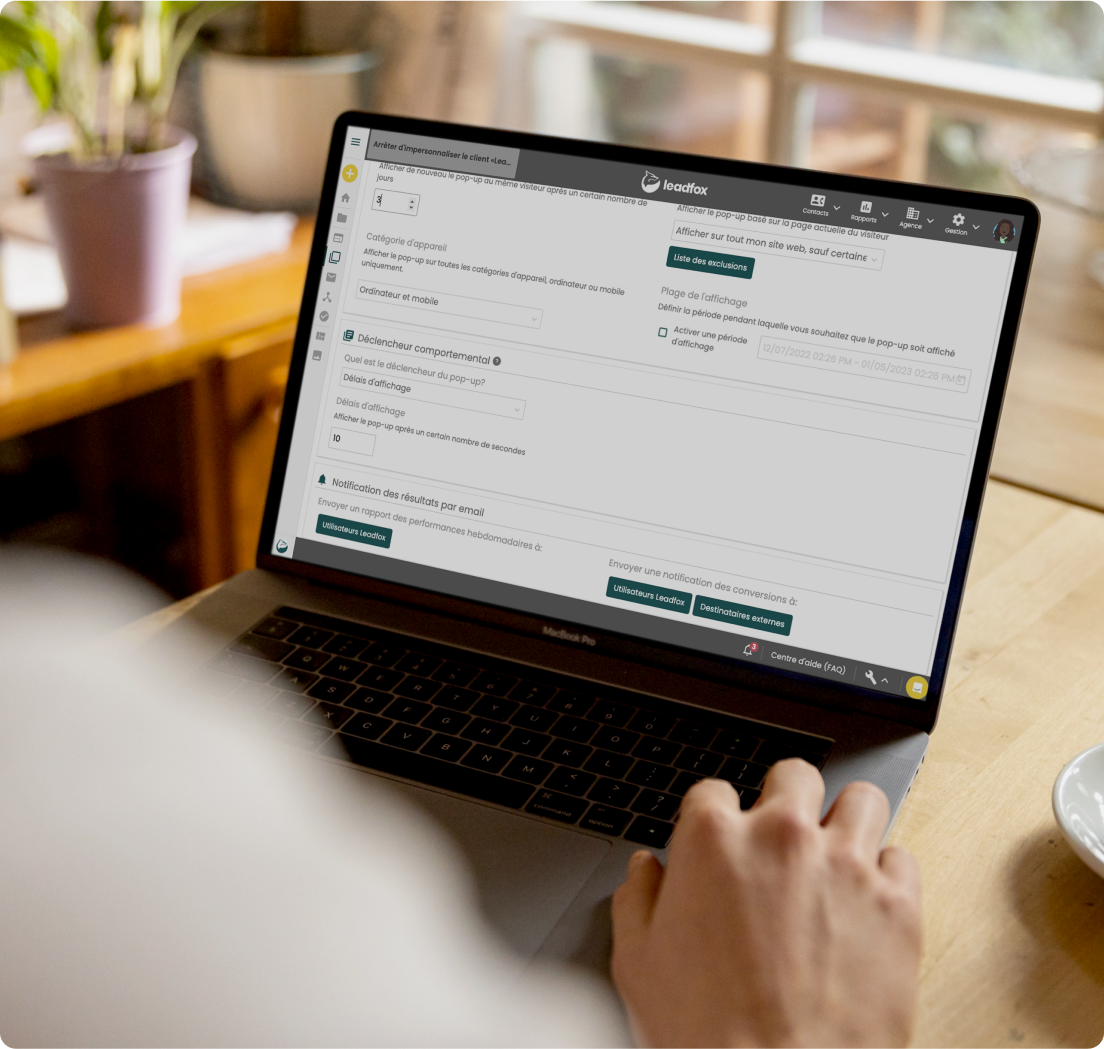
Increase your performance by triggering pop-up displays based on user behaviour
• Exit intent: Convert visitors who are about to leave your website
• % page scroll: Trigger the display of your pop-up based on how far a visitor scrolls
• Time spent on your page: Boost results by displaying your pop-up at an opportune moment
• Inactivity: Display your offer after a visitor has stopped interacting with your content (mobile).
Display your pop-up at the right time

Schedule precise start and end dates and times for your campaign

Display your pop-up on mobile devices and/or desktop

Personalize your offers based on the pages your users visit

Avoid ad fatigue by limiting your display frequency.
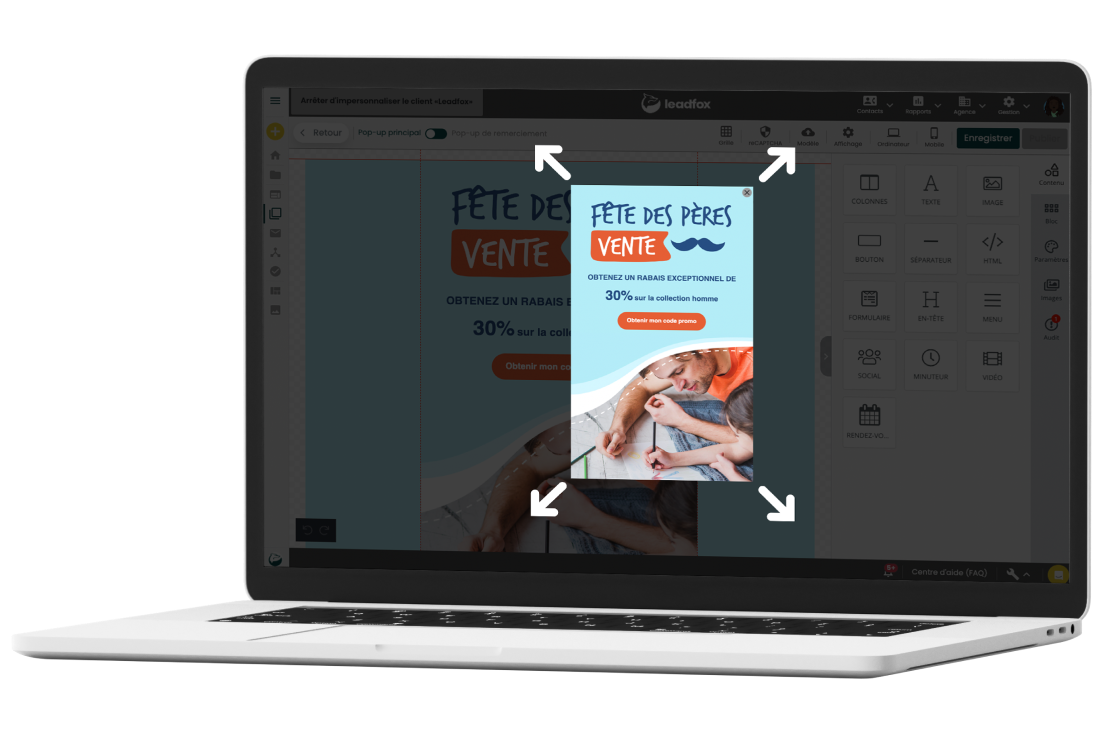
Catch your visitors’ attention using one of our 43 animations
Get noticed by adding entry and exit animations to your pop-up. Examples of animations included:

All the features of Leadfox Pop-up
FAQ
Ready to take your marketing to the next level? Let’s go!
14-day free trial. No credit card required.